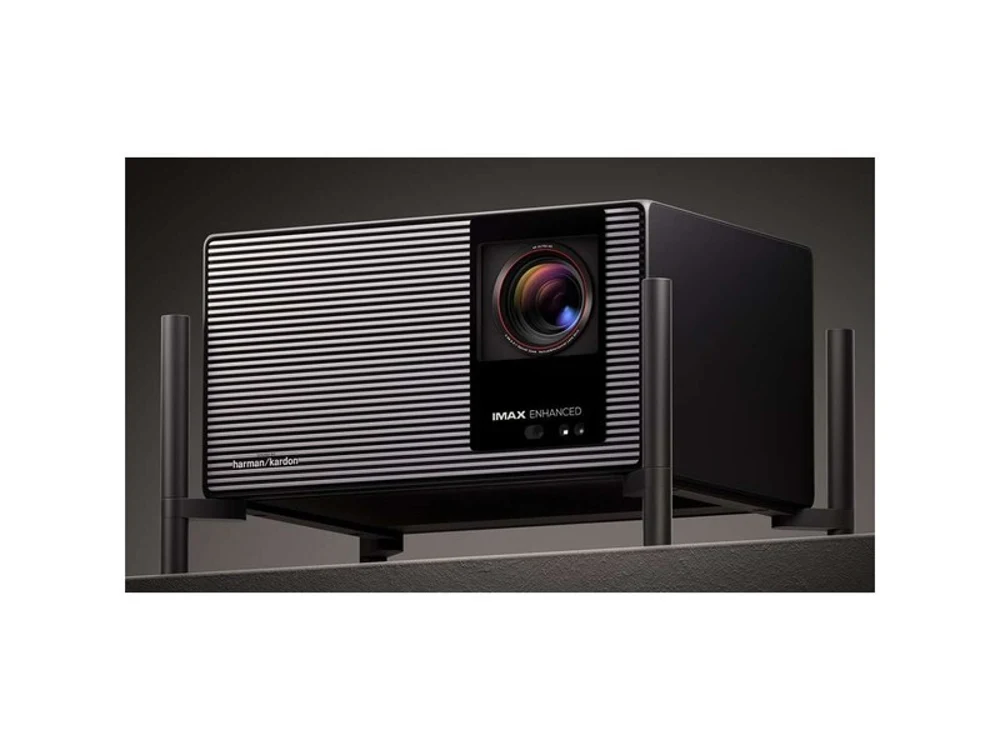
XGIMI X50 Ultra Chinese Version — English Menus
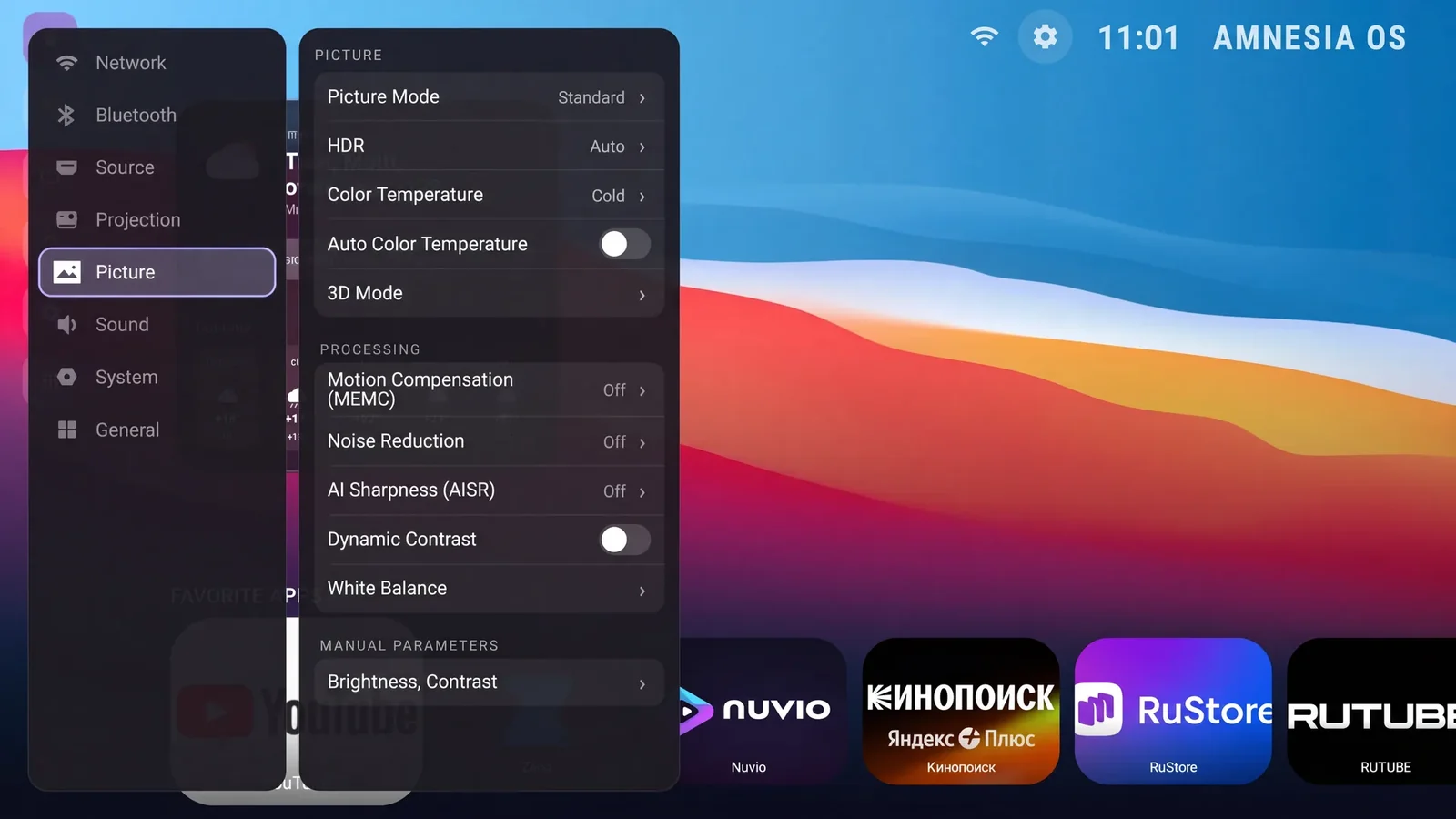
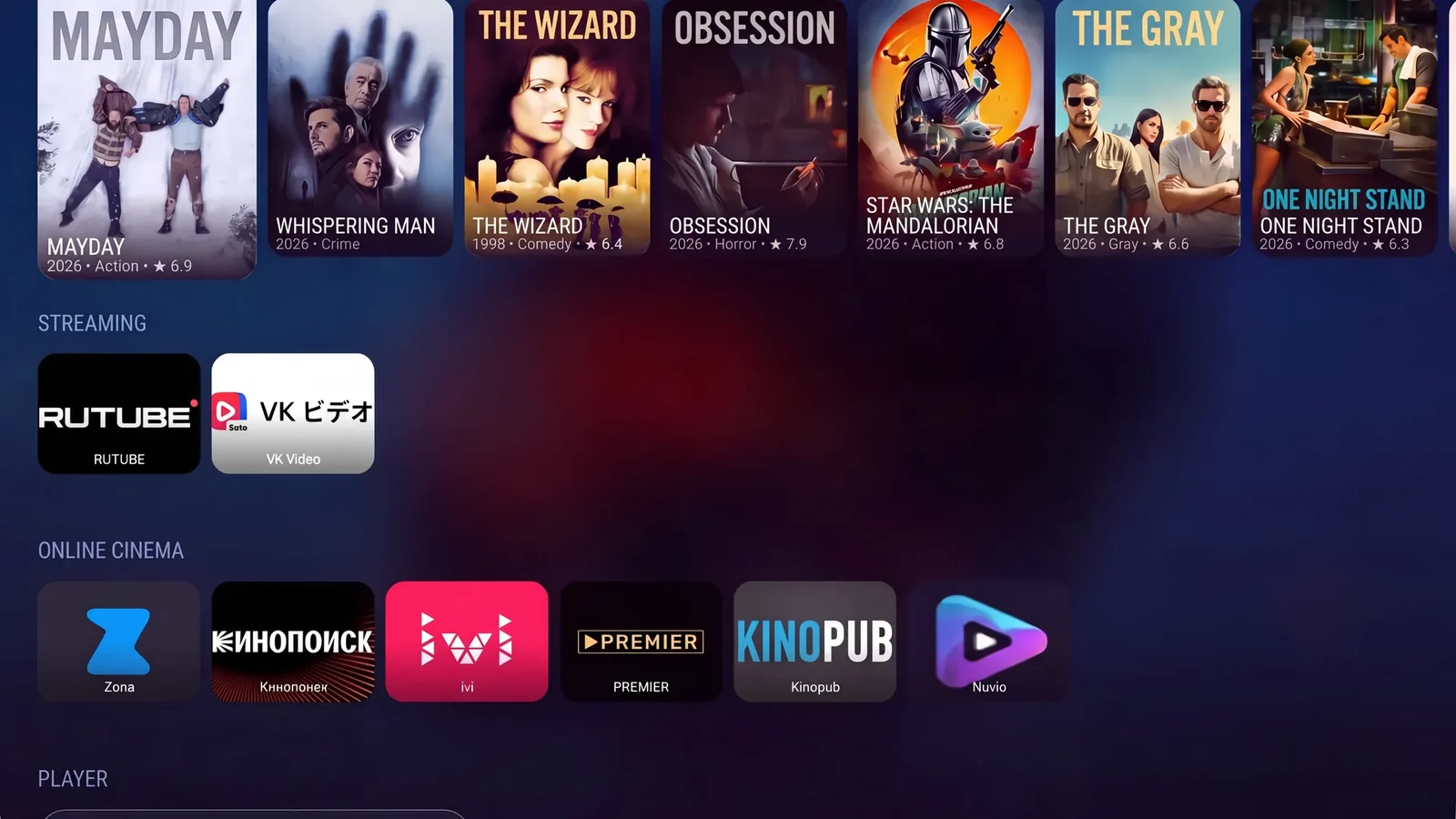
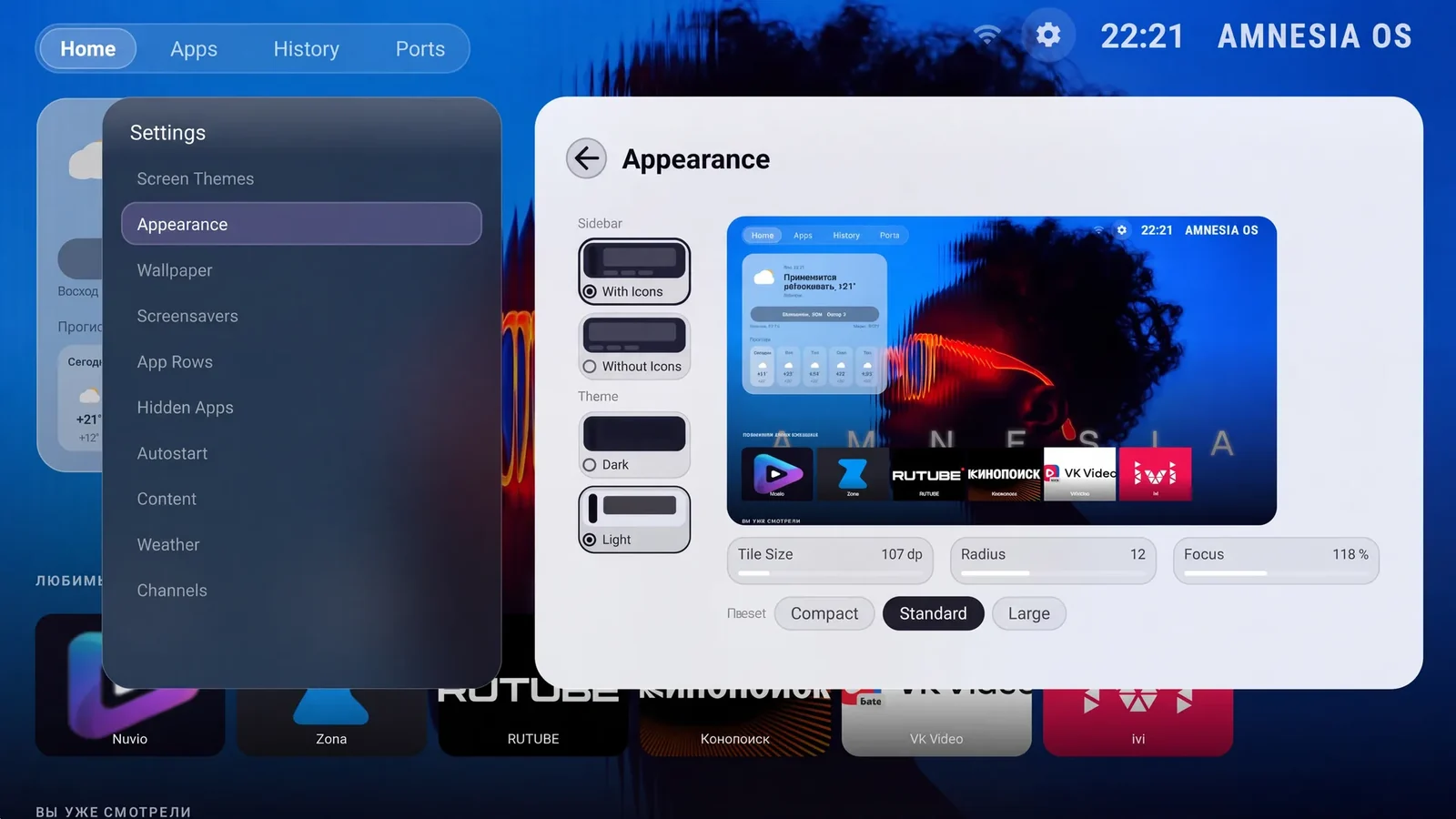
On the China-market XGIMI X50 Ultra, the interface, settings and system notifications are translated into English. AmnesiaOS supports 25 languages. The set includes a home screen, keyboard and apps.
- Interface, settings and system notifications in English
- Support for 25 languages
- Home screen, keyboard and apps
- Last tested on this model: October 2026
Is this
your projector?
- This set is intended for XGIMI X50 Ultra. The full model name must match.
What changes
after the install
What gets installed
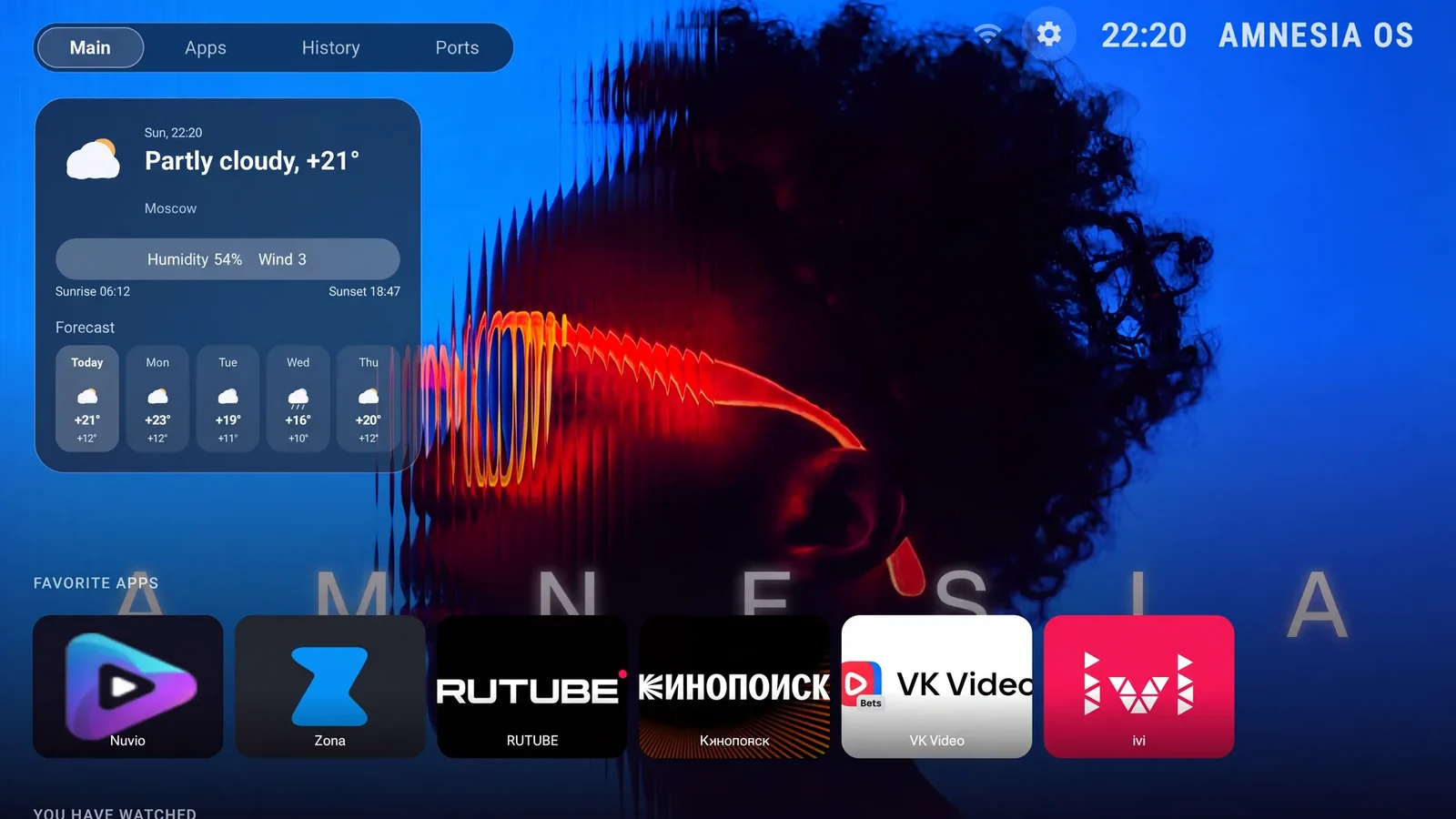
The AmnesiaOS home screen, interface and settings translation, keyboard and apps from the international set:
Installing an app does not by itself grant access to content: playback depends on the service.
- Languages and content access inside apps depend on the services themselves.
- The original device firmware remains installed.
- Subscriptions and paid content.
- Flashing an official global or international firmware image.
- Compatibility with other models in the series.
Three steps
to an English projector
Everything happens on the projector itself. No computer needed.
Choose your model
and pay
Select your model, enter its serial number and email, then review the total and pay. Checkout is in English.
No technician · no screen sharingGet the installer
built for your device
We email you a download link. Download the file and copy it to an ordinary USB stick.
Any USB stick · FAT32Run it
on the projector
Connect the projector to the internet, plug in the stick and start the installer — it downloads the files for your model. The projector reboots itself at the end.
The projector needs internetWhat you need
English for
your projector
The licence is issued against the serial number. If you are not sure which model you have, write to support@amnesiaos.com before you order.